Learn how to create and use macros within Final Fantasy XIV in this super simple guide.
You can call up the User Macros panel by typing the command in the chat.
/macros

That will give you a window where you can save 100 macros (200 total if you count both tabs).
The first tab, called Individual, is for the character you are currently using.
The second tab, called Shared, is shared with all your characters.
Choose the Individual tab, and select one of the empty blocks (let’s use number 0).
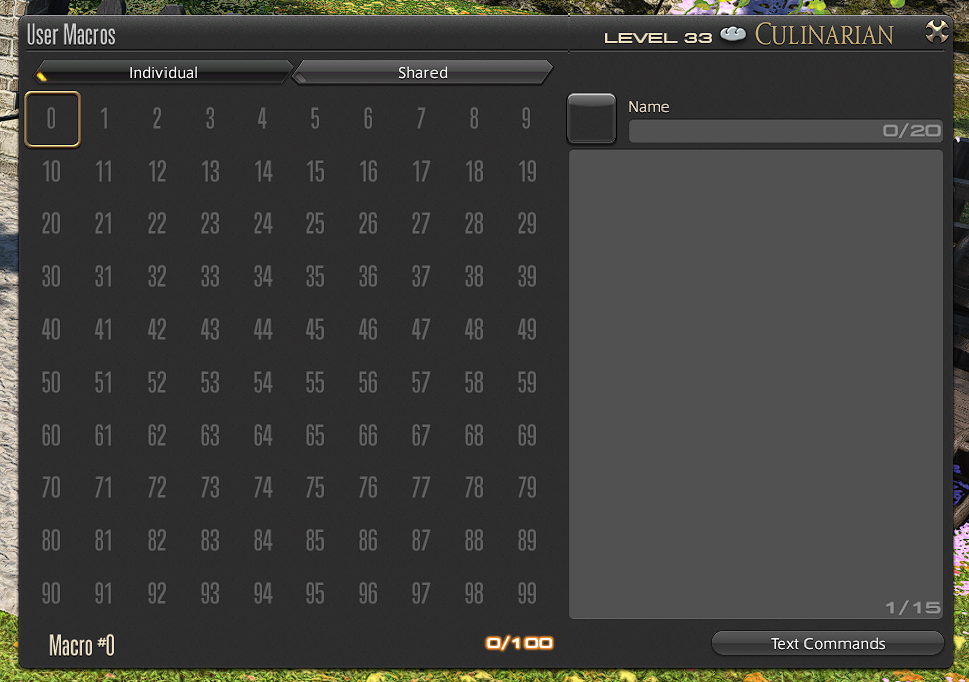
In the section on the right, set a name for the Macro in the top text field called Name.
Call it MyMacro.

Now, in the text field below, we’re gonna’ type out our actions. You can do specific actions you know by using…
/action “Action Name”
This will work fine, but you can shorten it to…
/ac “Action Name”
So, if you’re crafting something, then you can use this…
/ac “Basic Synthesis”
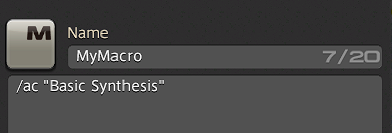
And it will do the action, Basic Synthesis (or any other action you type within quotes there).
However, you’ll need more than just one action, so you’ll have to chain actions together!
To do this, we need to add wait time in between…
/wait 3
Makes it wait for three seconds, but there’s a shorter way to do this by adding it to the end of the line…
/ac “Basic Synthesis” <wait.3>
Add another thing beneath it, and keep going for however long you need…
/ac “Basic Synthesis” <wait.3>
/ac “Basic Synthesis” <wait.3>
/ac “Basic Synthesis”
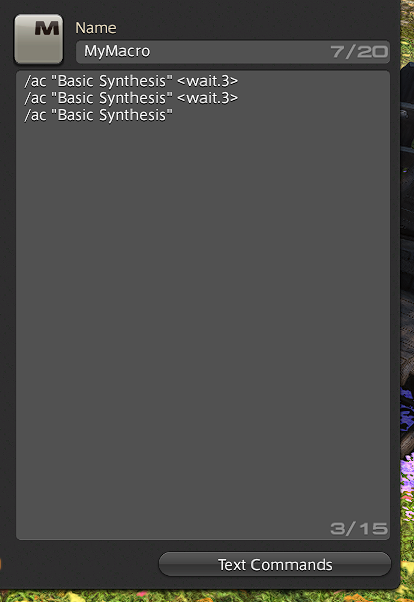
Now, drag the icon in the Macro Slot 0 over to your hotbar, and call it after you start crafting!
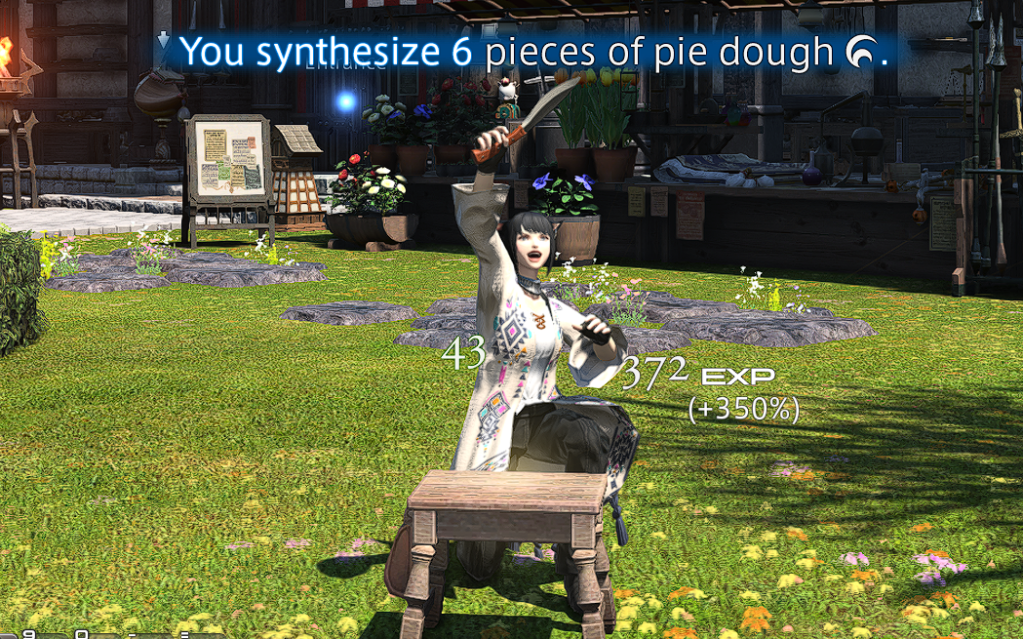
Crafting isn’t the only use for macros in FFXIV. Be sure to explore the Text Commands menu and other online guides to learn more.
Enjoy!

